18-12-2025
Mastering Landed Cost in D365 Early Invoicing and Recognition with Goods-In-Transit
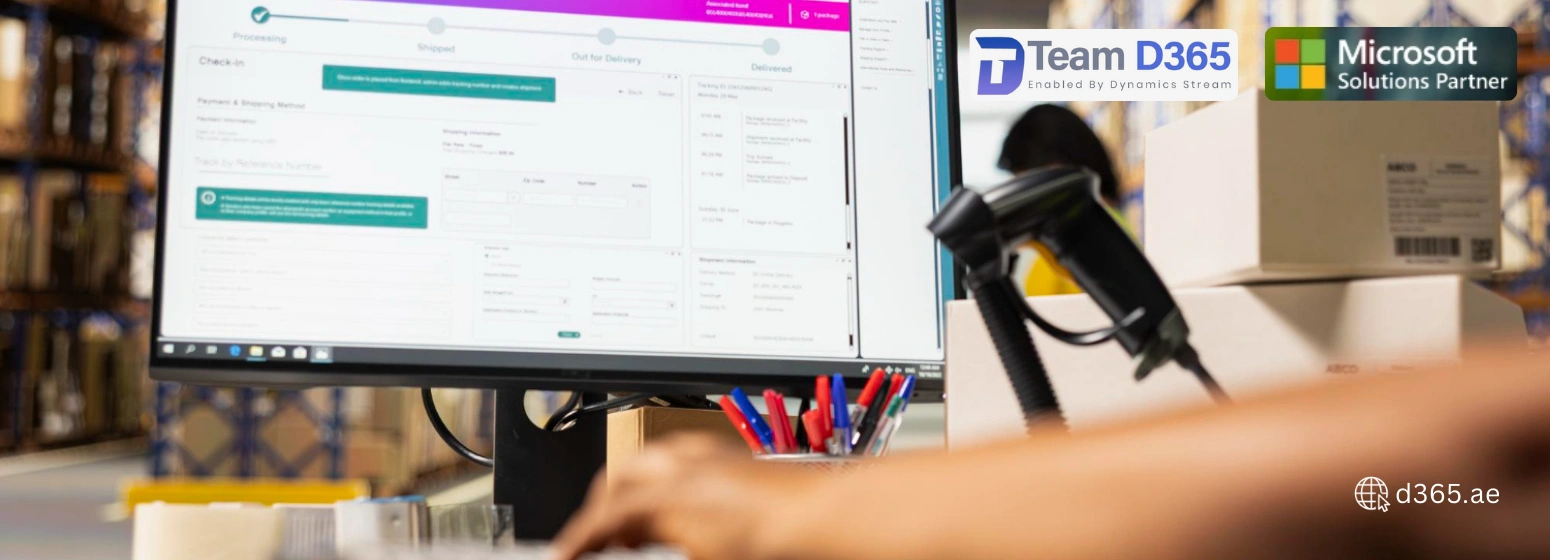
Managing international shipments is no longer just about tracking containers, it's about taking financial ownership from the moment goods leave the vendor. In Dynamics 365 Finance & Operations, the Goods-in-Transit (GIT) functionality allows organizations to recognize costs earlier in the shipment process, track in-transit inventory, and maintain financial control before items physically reach the warehouse.
At d365.ae, we specialize in implementing advanced Goods-in-Transit process workflows that optimize landed cost management, improve supply chain efficiency, and enhance financial transparency for businesses across the UAE and Middle East.
Why Goods-in-Transit Matters
The Goods-in-Transit process ensures that costs are recorded at the start of the shipping journey rather than waiting for the goods to arrive. With a dedicated GIT warehouse setup, companies can capture costs immediately, while confirmed delivery dates allow in-transit quantities to feed master planning even when items are not physically available.
This approach strengthens landed cost accuracy, provides real-time financial insights, and enables better decision-making throughout the supply chain.
If your organization has not yet configured foundational elements like cost type codes, journey templates, shipping carriers, and voyage statuses, we recommend reviewing the initial setup guides for Goods-in-Transit process in Dynamics 365.
GIT Process Flow in D365
The inbound purchase order process with Goods-in-Transit process involves multiple stages, linking physical shipment with financial recognition. The workflow typically includes: voyage creation, purchase invoice posting, goods receipt, handling under/over-delivery, and final cost allocation.
Step-by-Step GIT Process:
- Triggering GIT:
The process starts when a purchase order invoice is posted for a voyage configured for goods-in-transit. - Receiving Goods in GIT Warehouse:
Items are recorded in the GIT warehouse setup before arriving at the destination warehouse, marking financial ownership even though the goods have not physically arrived. - Handling Under-Delivery or Over-Delivery:
Differences between ordered vs. received quantities are managed through an under-delivery warehouse.- Businesses may create a purchase order with negative quantity for short shipments, or
- Post a movement journal to account for losses due to damage, theft, or discrepancies.
Essential Setups for the Goods-In-Transit Process
For smooth functioning of the Goods-in-Transit process in Dynamics 365 Finance & Operations, the following setups are mandatory:
1. Landed Cost Warehouses
Two warehouses must be configured:
- GIT Warehouse – to capture costs during transit.
- Under-Delivery Warehouse – to hold any discrepancies between ordered and received quantities.
Setup Steps:
- Navigate to Inventory Management ➜ Setup ➜ Inventory Breakdown ➜ Warehouses.
- Create the GIT and Under-Delivery warehouses.
- Assign a default receipt location to ensure proper processing of Goods-in-Transit process orders.
2. Default Issue/Receipt Location
If the organization uses inventory dimensions such as Location, the default destination for GIT and Under-Delivery warehouses must specify a default issue/receipt location.
- Go to Inventory Management ➜ Setup ➜ Inventory Breakdown ➜ Warehouses
- Set the Default receipt location for each warehouse.
These setups ensure financial recognition, inventory tracking, and master planning remain accurate even while goods are in transit.
Benefits of Early Invoicing and GIT in Dynamics 365
Implementing the Goods-in-Transit process in Dynamics 365 Finance & Operations delivers multiple advantages:
- Accurate Landed Cost Management:
Costs are captured at the beginning of the voyage, allowing organizations to calculate landed costs precisely. - Financial Transparency:
Early invoicing and GIT warehouse setup provide clear ownership of inventory, improving reporting and compliance. - Improved Supply Chain Planning:
In-transit quantities feed master planning for production and procurement even before goods physically arrive. - Risk Mitigation:
Managing under- or over-delivery proactively reduces operational risks like shortages, theft, or damage. - Operational Efficiency:
Automation of Goods-in-Transit process reduces manual errors, accelerates accounting cycles, and ensures compliance.
Why D365.ae
At d365.ae, we implement Dynamics 365 Finance & Operations solutions tailored for UAE-based businesses. Our expertise includes:
- Landed cost warehouses
- Goods-in-Transit process configurations
- Voyage tracking and journey templates
- Early invoicing and cost recognition workflows
By leveraging these solutions, businesses in the UAE can gain complete visibility into in-transit inventory, improve financial accuracy, and optimize supply chain decisions.
Conclusion
The Goods-in-Transit process in Dynamics 365 Finance & Operations enables organizations to take financial ownership from the moment goods leave the vendor, ensuring landed cost management, operational efficiency, and supply chain visibility.
With the proper GIT warehouse setup, default receipt locations, and voyage tracking, companies can recognize costs early, handle discrepancies effectively, and make data-driven supply chain decisions.
For UAE businesses aiming to streamline global shipments and strengthen financial control, implementing the Goods-in-Transit process with Dynamics 365 is a key step toward modernized, transparent, and efficient supply chain operations.
At d365.ae, we guide organizations at every step, ensuring they maximize the benefits of early invoicing, in-transit cost recognition, and inventory control.